Notion as a blog: how to publish SEO-ready posts from a Notion database
Yes, you can run a blog from a Notion database. Each post is a database row, and each row is a Notion page. You have three ways to turn those rows into a public blog: publish the pages from Notion, read the database with the Notion API and render your own site, or move finished posts to a CMS (content management system). Notion's own publish feature gives you a page on the web. SEO-ready also means a unique title, a description, a short slug, crawlable links and a way for Google to find the page. This article shows which route gives you which of these.
Can you create a blog on Notion?
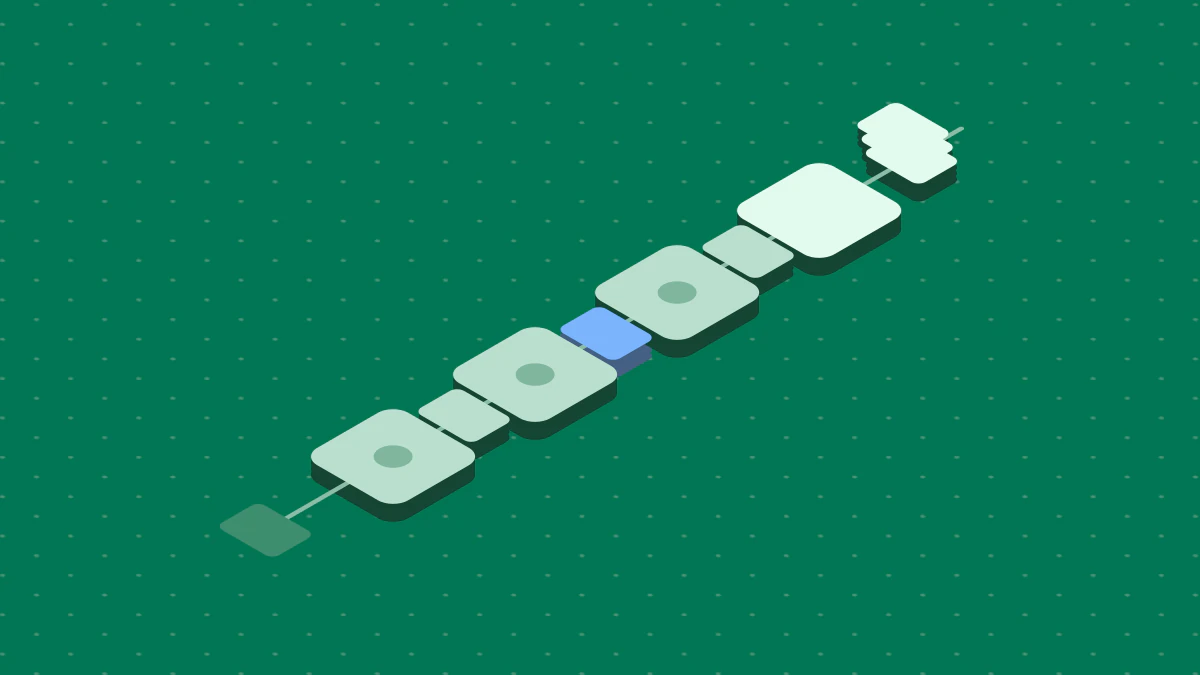
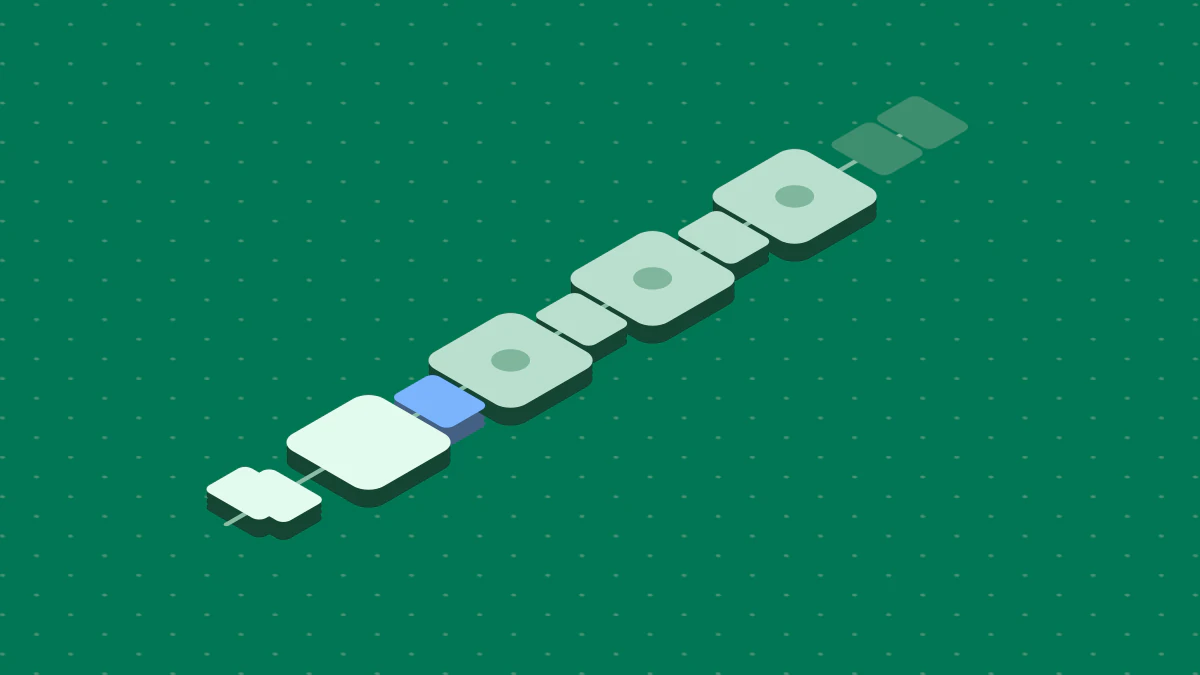
You can, and the choice is about who owns the SEO fields. Fig. 1 shows the three routes.
Route 1 needs the fewest parts, but check its sitemap and indexing. Route 2 needs a site that reads the API. Route 3 needs a way to move each post to the CMS.
Pick route 1 if you want a live page with no hosting and no code. Pick route 2 if you build sites and want Notion as the editor. Pick route 3 if you already run a CMS.
Set up the database first
A Notion database is, in Notion's words, a collection of pages. Every item you add is a page. You can add properties to each item, such as dates, status and links. A blog database needs the same few properties on every route.
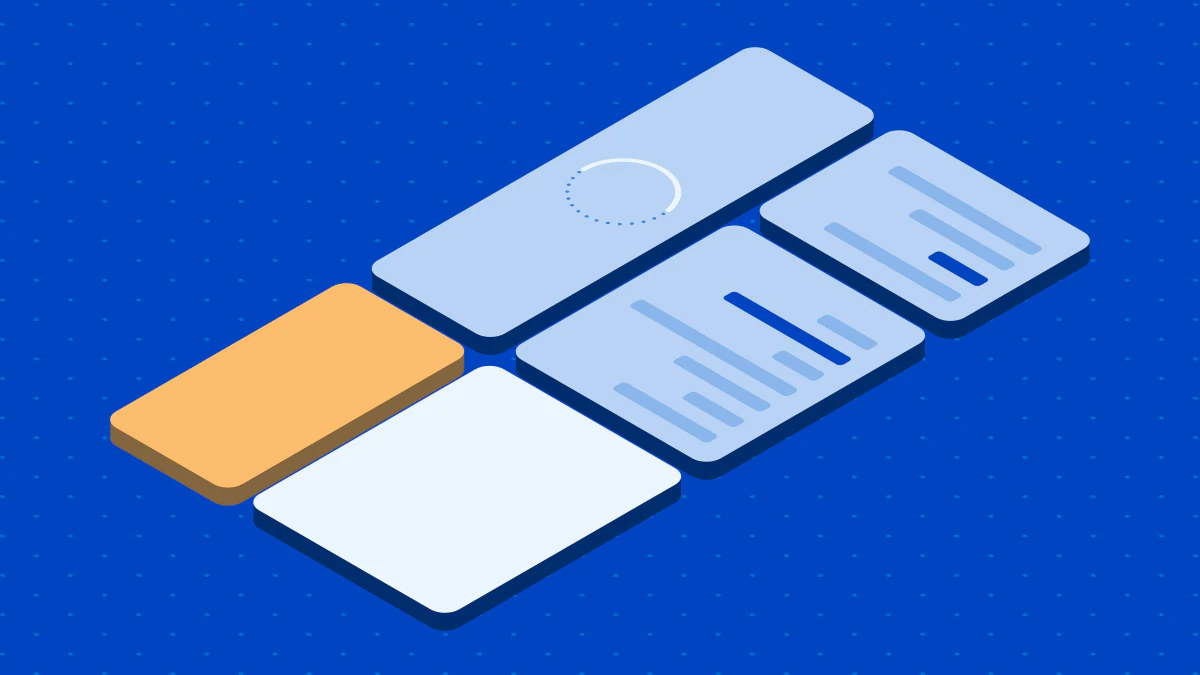
The names in Fig. 2 are a suggestion. Use these six:
- Name. The post title. It becomes the title and the H1.
- Description. One or two sentences for the meta description.
- Slug. The last part of the URL. Notion limits slugs to letters, numbers and hyphens, up to 60 characters.
- Status. Draft, Ready or Live. Every route needs a clear "ready" signal.
- Publish date. The date shown on the post.
- Target keyword. The phrase the post answers. Use it to check the title and first paragraph.
Add a Table view for the editor and a Board view for the status. Views change how you see the rows, not what the rows hold.
Route 1: publish from Notion
Open the page, select Share, open the Publish tab and select Publish. Notion Help says published pages update automatically when you edit them, and that publishing a page also publishes its subpages. All plans can publish an unlimited number of pages and claim one notion.site domain.
What Notion sets for SEO
Notion gives you a toggle called Discoverable on the web under Search engine indexing. Notion says a site can take up to four weeks to be indexed. Paid plans can edit the link title and description for search engines and can set custom slugs. The Help page does not mention a sitemap, so check whether your published site has one before you count on it.
What to watch
- Slugs are manual. A slug does not carry over from a page to its subpages. Set each one.
- Contributor metadata. Notion says a published page can include the names, profile photos and email addresses of contributors in its metadata. Check this before you publish a team blog.
- No password protection. Notion's FAQ says a page cannot be password protected.
- Domain changes break links. If you change the workspace domain, links with the old domain stop working.
Notion blog templates
The Notion Marketplace has a Blogging category of templates from Notion and from creators. The page describes them as help for planning a content calendar, writing drafts and managing posts, from ideation to publication. It does not mention SEO. A template gives you the database and the views. It does not give you titles, descriptions or a sitemap. Add the six properties above if the template lacks them.
Route 2: use Notion as the content source
In this route, your own site reads the database and renders each post. The Notion API can query a database with filters and sorts. A filter on Status equals Ready returns the rows you want. The database must be shared with your integration, or the API returns a 404 error. Notion has also split databases and data sources in newer API versions, so read the current reference before you write code.
Your site must then do everything a CMS does for SEO:
- Print a unique
<title>and a meta description for each post. - Build a URL from the slug.
- Link posts to each other with crawlable links.
- Serve a sitemap and submit it in Search Console.
Plan for the API limits. Notion allows an average of three requests a second per connection on plans below Business, and ten a second on Business and Enterprise. A single array of blocks holds at most 100 elements, and text.content is limited to 2,000 characters. Read the request limits and retry when you get a 429 response. For a blog with a few hundred posts, fetch on a schedule and cache the result. Do not call the API on every page view.
Hosted Notion site builders
A hosted builder is a variant of route 2: a service reads your Notion content and serves the site for you. Super is one example. Its guide says all Notion blocks render on the Super website, and that you choose what goes live with database filters and a Published checkbox. The content stays in Notion. The guide says a Super blog contains meta tags and structured data, and that you can add a custom domain. It does not list which SEO fields the service sets, so check its SEO documentation against the checklist below.
Route 3: draft in Notion, publish from a CMS
If you run WordPress, Ghost or another CMS, keep Notion as the drafting desk and let the CMS own the live page. The CMS gives you title and description fields, templates and sitemaps. A WordPress SEO plugin, for example, sets those fields for you. The pillar article WordPress SEO plugins shows what each one controls.
The cost is the move. Copying a post by hand is slow, and formatting can break between the editor and the CMS. Strategist's Notion adapter works the other way: it publishes a generated article as a page in a Notion database. To move articles to a CMS on a schedule, read Articles leave on the days you pick.
Use the Target keyword property
Before you set Status to Ready, read the row against its Target keyword. The Name should say what the post is about in plain words. The first paragraph should answer the query. The Description should tell the reader what they get from the post. The Slug should be short and match the Name. A row that fails one of these checks stays in Draft. The check works on every route.
Check each post before you publish
Use the same list on every route. Fix a failed item before the post goes live.
| Check | What to do | Rule |
|---|---|---|
| Title | One unique title per post | Google asks for descriptive, concise and unique titles |
| Description | Write one for people | Google only sometimes uses it |
| Slug | Short, with hyphens | Notion allows up to 60 characters |
| Internal links | Link each post from another | Every page you care about needs a link from another page |
| Sitemap | Serve and submit one | A sitemap does not guarantee crawling, but it helps discovery |
| Indexing | Turn indexing on | Notion's toggle for route 1 |
After you publish, open Google Search Console and use URL Inspection on the new URL. If the page is not indexed, check the indexing toggle first, then the sitemap, then your internal links. On route 1, allow time: Notion says up to four weeks.
Keep posts up to date
A post changes after you publish it. Each route handles that in a different way.
- Route 1. Notion says a published page updates automatically as you edit it. You edit once, and the live page follows. Check the page after a large edit, because readers see every change at once.
- Route 2. Your site shows the last copy it fetched. Fetch the database again on a schedule, and add a property such as Last reviewed so you can find old posts.
- Route 3. The CMS holds its own copy. If you edit the Notion page, the CMS page does not change. Choose one place as the source of truth, and edit only there.
Whatever the route, change the Description and Publish date properties only when the post changes in a real way. A date that moves with no change misleads readers.
The Notion engineering blog
"Notion engineering blog" is a different topic. It points to the Tech topic in Notion's own Tools & Craft blog, which describes itself as "How we're building Notion, block by block." It lists posts such as how Notion handles concurrent editing. It is a company blog about Notion's product. It does not teach you how to run a blog from a database. Read it for engineering ideas, not for setup steps.
FAQ
Can you use a custom domain for a Notion blog?
Yes, with limits. All sites can claim one notion.site domain. Notion says paid plans can buy an add-on to use an existing custom domain with Sites. Check the plan page for current terms.
Next steps
- Read WordPress SEO plugins if your posts move from Notion to WordPress.
- Check which plan you need for custom slugs in the Notion publishing guide.
- Add the six properties to your database, as in Notion's intro to databases.