Website crawlers: how search engines and SEO crawlers read your site
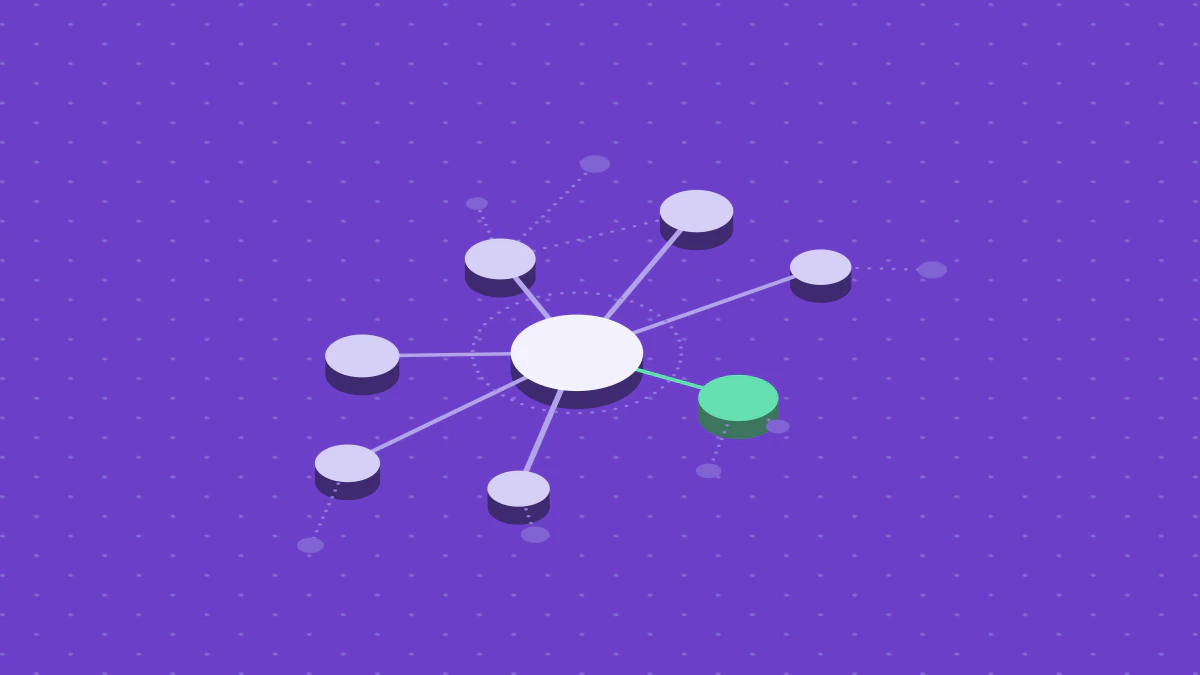
A website crawler is a program that fetches a web page, reads the links on it, and follows those links to find more pages. Search engines use crawlers to discover pages before they can show them in results. SEO crawlers, also called SEO spiders, run the same loop on your own site. They record what they find on each page so you can fix problems. This article explains how both kinds work, what a crawler can and cannot see, and how to crawl your own site without harm.
What is a website crawler?
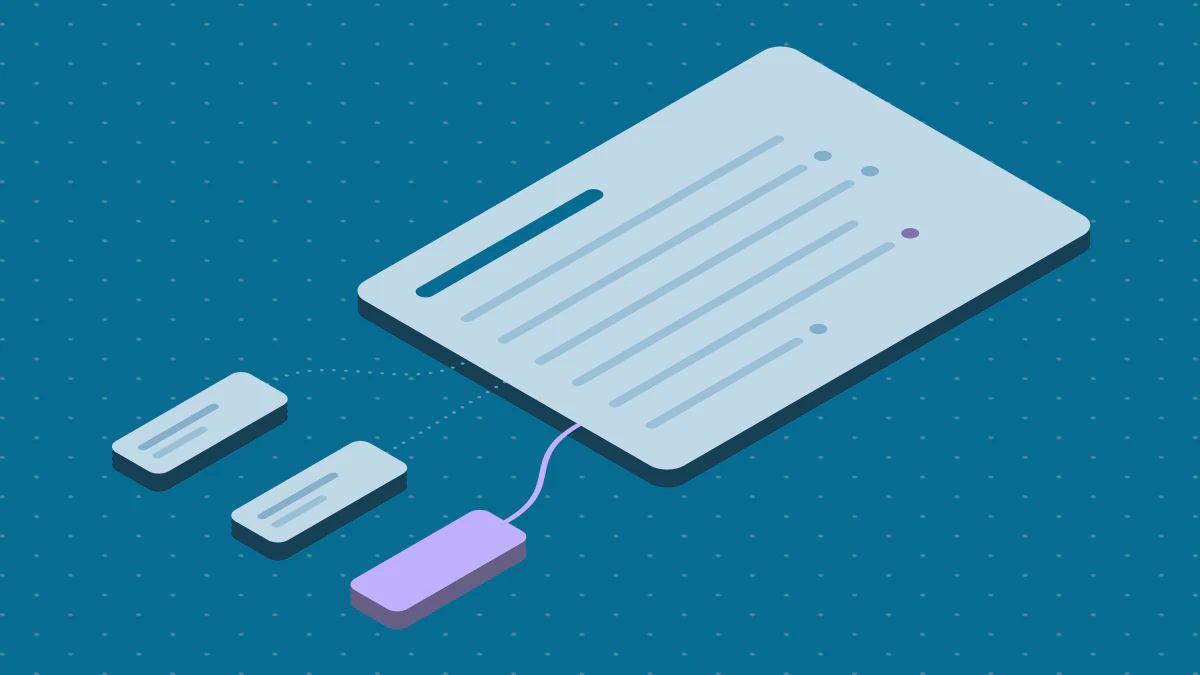
A crawler, in the words of Google's crawler documentation, is a generic term for a program that automatically discovers and scans websites. Other names for the same idea are spider, bot and web crawling tool. A crawler does not understand a page the way a reader does. It requests a URL, reads the response, and takes out data: the status code, the HTML, the links and the text.
Three kinds of crawler matter to you:
- A search engine crawler finds pages for an index. Googlebot is the main example. You do not run it. You allow or block it.
- An SEO crawler is software you run on a site you manage. It reports problems such as broken links, missing titles and redirect chains. A web crawling tool of this kind is often called SEO spider software.
- A data crawler, often called a scraper, collects content or prices for another use. It follows the same loop. Its purpose differs.
Screaming Frog describes its SEO Spider as "a website crawler that audits your site for over 300 SEO issues". That is a vendor claim about one product. It shows what the category promises: one run that checks many pages for many problems.
How a website crawler works
Every crawler runs one loop. The details differ by product. The shape does not.
- Start from seeds. The crawler needs at least one URL. Common seeds are the homepage and the URLs in a sitemap.
- Check robots.txt. The crawler asks the site which paths it may fetch. A well-behaved crawler obeys the answer.
- Fetch the page. The crawler requests the URL and records the status code, the headers and the body.
- Extract links. It reads the links in the HTML and resolves them to full URLs.
- Queue new URLs. It adds each URL it has not seen before to the queue.
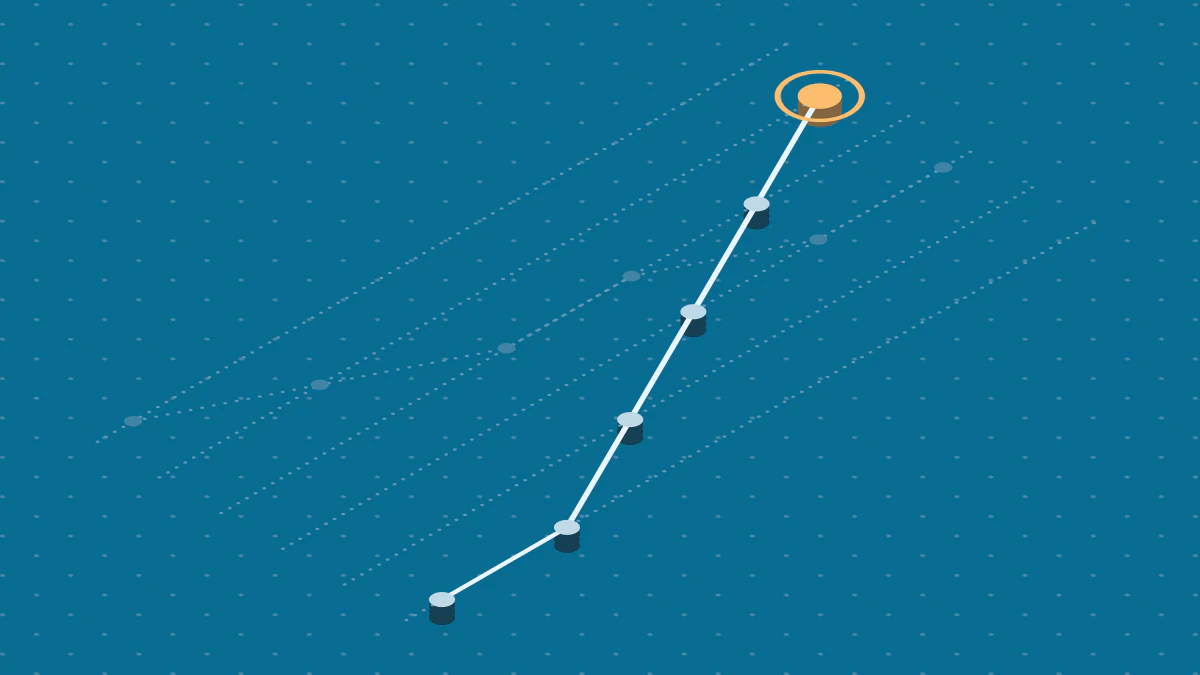
- Repeat. The crawler takes the next URL from the queue and stops when the queue is empty or a limit is reached.
Google's guide to how Search works says there is no central registry of web pages. Google finds pages in two main ways. It follows a link from a known page to a new page, and it reads sitemaps that site owners submit. Your crawl has the same two inputs.
Politeness and limits
A crawler can harm a site if it requests pages too fast. A polite crawler spaces its requests, slows down when the server slows down, and stops at a page limit. Google says its goal is to "crawl as many pages from your site as we can on each visit without overwhelming your server". Google also says that for most sites, Googlebot should not access your site more than once every few seconds on average.
An SEO crawler needs the same care, because you point it at your own server. Set a delay between requests. Set a page limit. Slow it down if your site responds slowly. If your host limits request rates, a fast crawl can trigger the limit. A 429 in your report then means your crawl was too fast. It does not mean the page is broken.
Strategist's site audit spaces its requests at least one second apart, and it backs off when a site answers with Hypertext Transfer Protocol (HTTP) status 429, "too many requests".
Google website crawler: how Googlebot reads your site
Googlebot is Google's main crawler. Google documents two types: Googlebot Smartphone, which simulates a user on a mobile device, and Googlebot Desktop, which simulates a user on a desktop. Both obey the same robots.txt product token. You cannot target one without the other in robots.txt.
Google splits its fetchers into three groups:
- Common crawlers, such as Googlebot, "always respect robots.txt rules for automatic crawls".
- Special-case crawlers, which serve specific products under an agreement with the crawled site.
- User-triggered fetchers, which run when a person starts a fetch, such as through Google Site Verifier.
The crawl is only the first of three stages. The guide to how Search works names them: crawling, indexing and serving search results. It adds that not every page makes it through each stage. "Googlebot doesn't crawl all the pages it discovered," and "Indexing isn't guaranteed; not every page that Google processes will be indexed."
Crawl, render, index
Many sites build their pages with JavaScript. Google handles those pages in three phases, which its JavaScript guide names as crawling, rendering and indexing. Googlebot fetches a URL. A headless browser later runs the scripts. Google uses the rendered HTML to index the page.
Two rules from that guide change what you do:
- Google "can only discover your links if they are
<a>HTML elements with anhrefattribute". A link built only with a click handler is invisible to the crawl. - When Google meets a
noindextag, it "may skip rendering and JavaScript execution".
Googlebot also reads a limited amount of each file. Google states that it crawls the first 2 MB of a supported file type and the first 64 MB of a PDF file. A page whose key content sits beyond the limit loses that content. Keep the important text and links near the top of the HTML.
How robots.txt controls a crawler
Robots.txt is a plain text file at the top level of a site. It tells crawlers which paths they may fetch. Request for Comments (RFC) 9309, the Robots Exclusion Protocol standard, describes it as a set of requests to crawlers, not an access control. Section 3 of the standard adds that robots.txt is not a content security measure, because listing a path exposes it. Real access control needs a mechanism such as HTTP authentication.
The status code of the robots.txt response changes what a crawler does.
For a 4xx response, Google's documentation states that its crawlers "treat all 4xx errors, except 429, as if a valid robots.txt file didn't exist". For a 5xx response, the standard says the crawler must assume a complete disallow. Google keeps trying: "For the first 12 hours, Google stops crawling the site but keeps trying to fetch the robots.txt file." The standard also sets a minimum parse size of 500 kibibytes, and Google enforces the same limit.
Strategist's site audit treats a 403, a 5xx or a network error on robots.txt as a full disallow, and it obeys a Crawl-delay, capped at 30 seconds.
Two limits of robots.txt cause many mistakes:
- It does not remove a page from Google. A disallowed URL can still appear in results. Google states that such a result "won't have a description".
- It stops
noindexfrom working. Google states that for anoindexrule to work, the page "must not be blocked by a robots.txt file". If the crawler cannot fetch the page, it never reads the tag.
Google supports four robots.txt fields: user-agent, allow, disallow and sitemap. It states that other fields, such as crawl-delay, are not supported. Googlebot ignores a Crawl-delay line.
What a crawler cannot see
A crawl report shows only what the crawler could reach. Check these gaps before you trust a result:
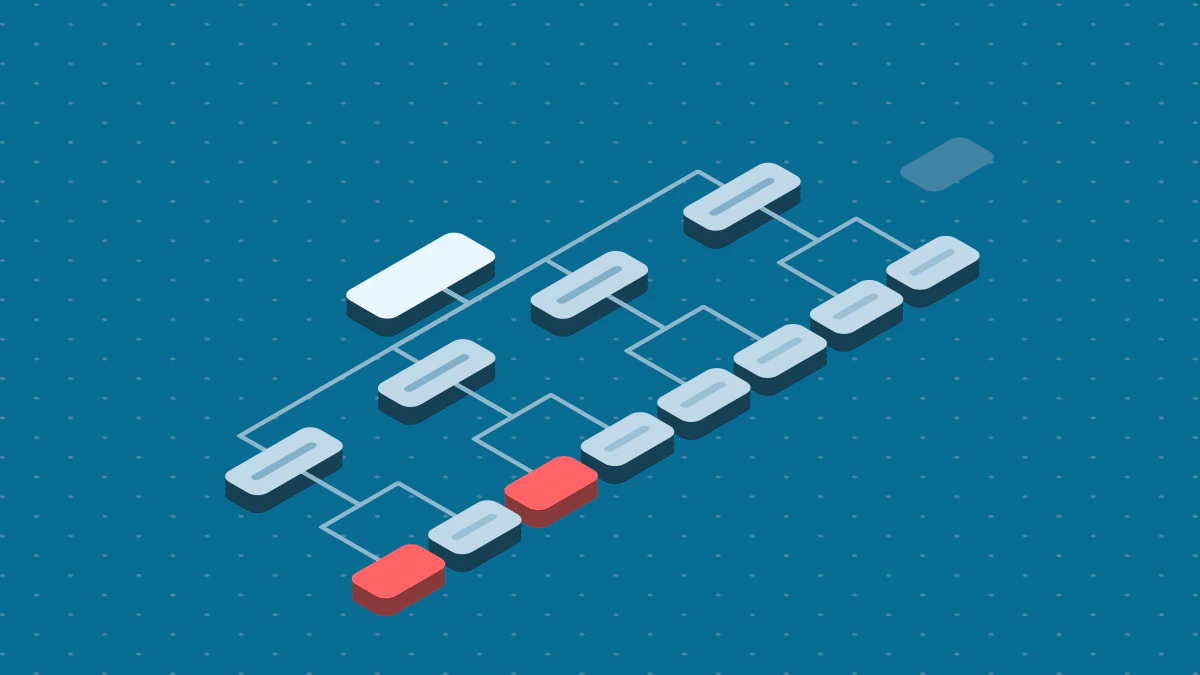
- Pages with no links to them. A crawler that follows links cannot find a page that nothing links to. A sitemap can list it, but Google says a sitemap "doesn't guarantee that all the items in your sitemap will be crawled and indexed". These pages are orphan pages.
- Pages behind a login or a form. A crawler does not sign in or submit forms unless you configure it. It also does not type into a search box or pick a filter, so pages that exist only after such an action stay hidden.
- Content that needs JavaScript. A crawler that reads only server HTML sees a page before scripts run. A crawler with a rendering mode sees the page after. The two can disagree.
- Blocked paths. A path that robots.txt disallows is never fetched.
Orphan pages
An orphan page is a URL that exists but that no other page on the site links to. The page can be in your sitemap and still be orphaned, because the sitemap is a list and not a link. Users cannot browse to it, and it gets no internal link signals.
Strategist's site audit reports each sitemap or seed URL with no internal link from a crawled page, and it never reports the homepage. See orphan pages for how to fix them.
SEO spider versus search engine crawler
An SEO spider imitates a search engine crawler, but three things differ.
- Purpose. A search engine crawler builds an index. An SEO spider builds a report for you.
- Rules. Google's common crawlers always respect robots.txt. Many SEO spiders let you change that setting. Use the option only on a site you own, so that you can audit paths that robots.txt blocks.
- Result. An SEO spider that reads only server HTML can disagree with Google, which runs JavaScript with an evergreen version of Chromium. Strategist's site audit reads server HTML and does not run scripts. When a report and Search Console disagree, check whether rendering explains the gap.
None of this makes the spider wrong. It is a model of the real crawl. Treat its output as a list of leads to check, and confirm the important ones in Google Search Console.
Website crawler SEO: what an SEO crawler checks
An SEO crawler turns the data from each fetch into a list of issues. The checks fall into a few groups.
| Group | What the crawler looks for | Where to learn the fix |
|---|---|---|
| Status codes | Broken internal links (4xx), server errors (5xx) | Technical SEO audit |
| Redirects | Chains, loops, long hops | Technical SEO audit |
| Titles and descriptions | Missing, duplicate, too long, too short | Meta tags for SEO |
| Headings | Missing H1, several H1s, skipped levels | On-page SEO |
| Images | Missing alt text | Alt text for SEO |
| Indexing signals | noindex, canonical tags that conflict |
Technical SEO audit |
| Structure | Orphan pages, pages too many clicks from the homepage | Orphan pages |
| Speed | Slow server response, slow page metrics | Core Web Vitals |
Each group needs a human decision. A crawler cannot tell you that a thin page should exist. It can tell you that a page has little text, and you decide.
A crawl can also pair with speed data. When you turn on Lighthouse, Strategist's site audit scores up to 10 pages after the crawl, homepage first, and the page technical audit describes the audit.
Crawl budget: when it matters
Google defines a site's crawl budget as "the set of URLs that Google can and wants to crawl". Two things set it.
The crawl capacity limit exists because Google wants to crawl without overwhelming your servers. It falls when the site slows down or returns 5xx or 429 responses. Crawl demand, for Googlebot, "varies based on a site's size, update frequency, page quality, and relevance".
Most sites do not need to manage this. Google's guide is for two groups: sites with more than 1 million unique pages whose content changes about once a week, and sites with more than 10,000 unique pages whose content changes daily. Google calls these "a rough estimate". If your site is smaller, a crawl budget problem is unlikely, and a missing page more likely has another cause.
If you do manage it, Google's advice is short:
- Consolidate duplicate content, so crawling targets unique content and not unique URLs.
- Return a 404 or 410 for a page you removed for good. A 404 is "a strong signal not to crawl that URL again".
- Fix soft 404 pages. They "will continue to be crawled, and waste your budget".
- Do not use
noindexto save crawl budget. Google still requests the page, then drops it.
How to crawl your own site
Follow this order for a first crawl.
- Set the scope. Pick one host, such as
www.example.com. A crawl that follows links to other hosts has no end. - Check robots.txt. Open
/robots.txtand read the rules. A crawler that obeys them will skip disallowed paths. If your SEO crawler skips pages you want to audit, the rule is the cause. - Set a page limit and a delay. Start with a small limit, such as 50 pages. Raise it once the first crawl works and your server copes with the load.
- Choose seeds. Start from the homepage and add your sitemap.
- Run the crawl and read the status codes first. Fix 5xx and 4xx errors before you read titles.
- Compare with the sitemap. A URL in the sitemap that the crawl never reached points to an orphan page or a blocked path.
- Re-crawl after each fix. A crawl is a snapshot. Run it again to confirm that the fix worked.
Pick a web crawling tool
Choose a tool by the questions it answers, not by its feature list.
- Does it render JavaScript, or does it read only server HTML? Screaming Frog says its SEO Spider can "render web pages using the integrated Chromium WRS to crawl dynamic, JavaScript rich websites and frameworks".
- Does it obey robots.txt and let you set a delay?
- What is the page limit? Screaming Frog states that its free version is "restricted to crawling up to 500 URLs in a single crawl". Read the vendor page for the current limit of any tool.
- Does it run on your machine or on a server? A desktop crawler stops when you close it. A hosted crawler runs on a schedule.
- Does it block crawls of private addresses? A crawler that accepts any URL can be pointed at an internal host. Strategist's site audit rejects
localhost, private network addresses and cloud metadata hosts, and it applies the same checks to every URL it finds during the crawl.
Limits and features change. Read each vendor's page on the day you decide.
FAQ
Are web crawlers illegal to use?
This article gives no legal advice, because the answer depends on the site, the data and the country. A site's terms can add rules to its robots.txt. Google's terms, for example, forbid "using automated means to access content from any of our services in violation of the machine-readable instructions". Crawl your own site or a site whose owner agrees, and ask a lawyer about anything else.
How can I identify crawler traffic in server logs?
Do not trust the user-agent string alone, because any client can claim to be Googlebot. To verify Googlebot, run a reverse Domain Name System (DNS) lookup on the Internet Protocol (IP) address in your log. Check that the domain is googlebot.com, google.com or googleusercontent.com, then run a forward lookup on it and confirm the same IP address. As an alternative, match the address against the crawler IP ranges that Google publishes as JavaScript Object Notation (JSON) files.
Next steps
- Read Technical SEO audit to turn a crawl report into a ranked fix list.
- Read Orphan pages to find and fix pages with no internal links.
- Read Meta tags for SEO to fix the title and description issues a crawl reports.
- Read Core Web Vitals to read the speed data that goes with a crawl.